Webforms
Create a webform for your website that integrates directly with WorkflowMax allowing you to directly capture leads and customer information into WorkflowMax.
How it works
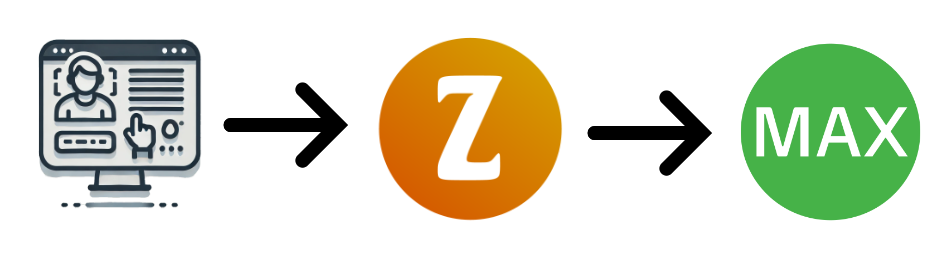
- Subscribe to the ZeetaMax Webform module and configure your webform.
- Deploy the generated webform code on your website.

- When a user submits the form, the data is sent to ZeetaMax and checked for spam etc.
- Data is sent to WorkflowMax and a new contact, client, lead, or job is created based on the configuration.
Features
- Customizable Fields - Choose which WorkflowMax fields to include and mark them as required or optional.
- Drag-and-drop Layout - Arrange fields in any order and rename labels to suit your audience.
- AI-Generated Titles - Automatically generate lead, job, and task titles from the visitor's message using AI.
- Field Value Copying - Map a single form input to multiple WorkflowMax fields (e.g. one phone number populates both client and contact records).
- Default Values - Set backend defaults for leads, jobs, and tasks that you don't want to expose to visitors.
- Customizable Appearance - Configure colours, fonts, border radius, and button text, or inherit styles from your website automatically.
- Live Preview - See exactly how your form will look as you configure it.
- Spam Protection - AI-powered spam detection ensures only legitimate submissions reach WorkflowMax.
- Client & Contact Creation - Automatically create new clients and contacts in WorkflowMax on submission.
- Lead Creation - Automatically create a new lead in WorkflowMax on submission. (Optional)
- Job & Task Creation - Automatically create a job and task in WorkflowMax on submission. (Optional)
- Email Confirmation - Automatically send a confirmation email to the prospect on submission.
- Staff Notifications - Automatically notify a team member by email when a new submission arrives.
- Two Embed Options - Add the form to your website via a JavaScript snippet, or share it as a standalone hosted link.